Second Brain Skeleton
An empty Obsidian vault that Claude sets up and maintains for you. You talk, Claude files.
View on GitHub ↗Problem
Notes that have to be filed by hand tend not to get filed. In an apprenticeship that hurts twice. The weekly training record (Berichtsheft) is mandatory. And what you learn in each rotation should still be findable when the final exam comes around.
Approach
The vault started as my own second brain. The skeleton keeps its structure and rules and removes every note. Obsidian is the interface. Claude does the filing through MCP. Git is the backup.
- PARA for action, Zettelkasten for knowledge. Folders say how urgent something is. Links and tags say what it is about.
- One rule file.
CLAUDE.mdis the single source of rules. If a note contradicts it,CLAUDE.mdwins.
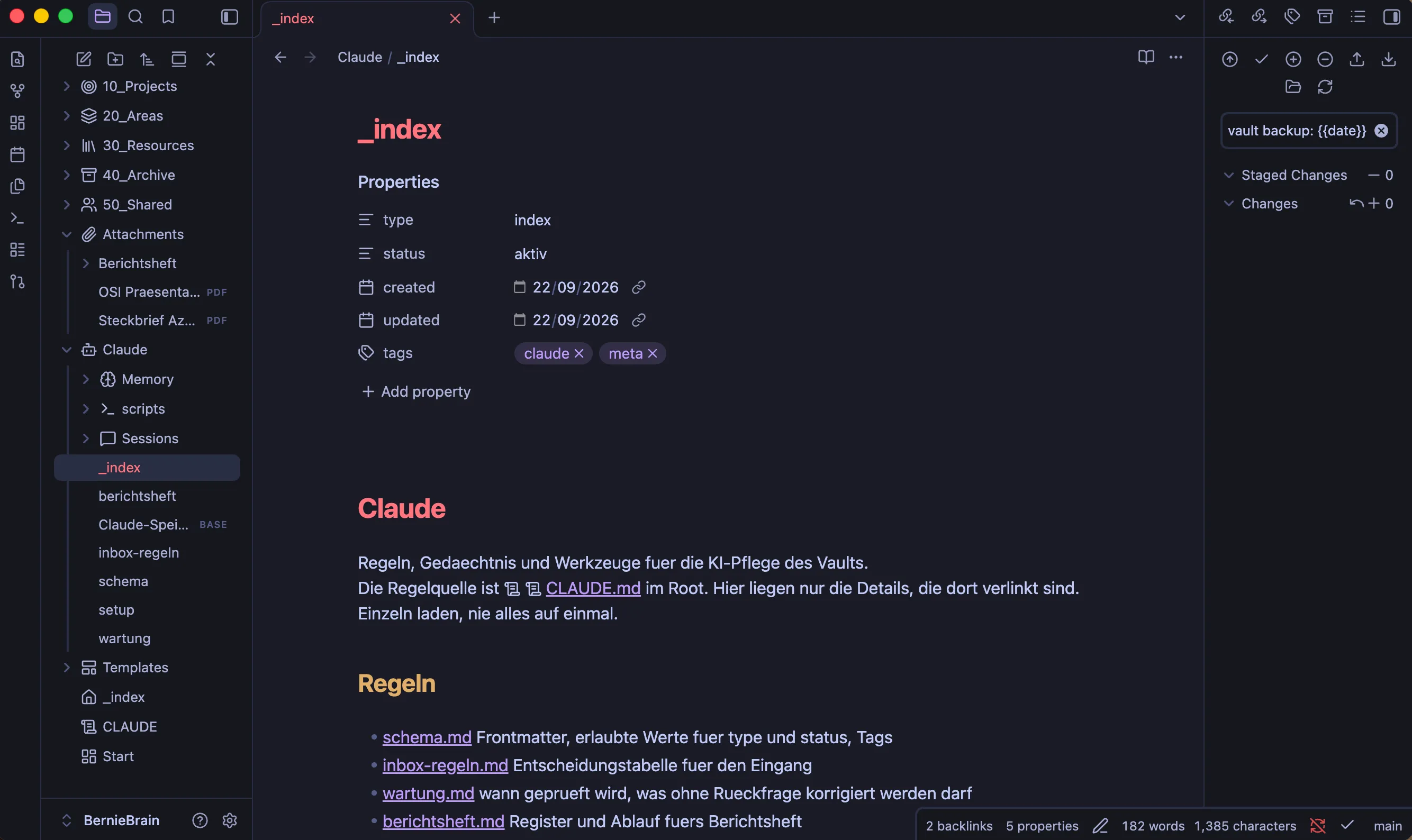
Rules Claude can follow
Every folder has an _index.md. Claude reads it first and then opens only the note it needs. It never scans the whole vault.
The Claude/ folder holds the detail rules: schema, inbox rules, maintenance, training record. Each one is loaded only when a task needs it. That keeps every session small.
Every note starts with the same properties. The panel on the right of the screenshot is Obsidian Git, which commits the vault every ten minutes.
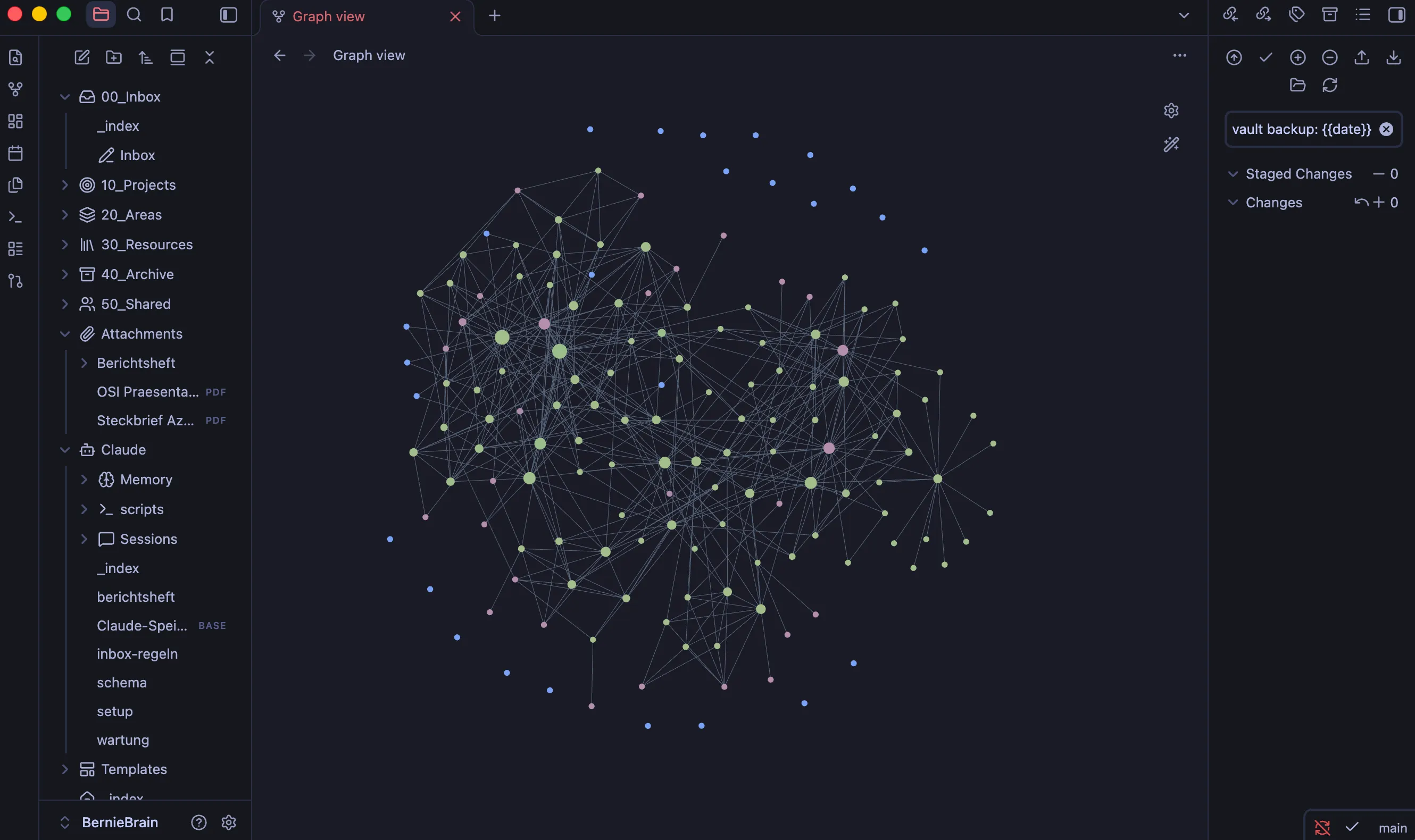
Linked, not just filed
Folders only say how urgent something is. Links say what belongs together.
Every new note needs at least one link to an area, a map of content or its folder index. Otherwise nobody finds it again. Once a topic has more than five notes, it gets its own map of content.
The graph shows the result in my own vault, the one the skeleton is derived from. The few dots at the edge are notes that still wait for a link.
Architecture
- You Say what happened, in plain words
- Claude Claude Code or Claude Desktop
- MCP Connector Obsidian plugin, listens on 127.0.0.1 only
- Obsidian vault Plain Markdown files on disk
- Obsidian Git Commits and pushes every 10 minutes
- GitHub Private repo, keeps devices in sync
Structure
- 00_Inbox/
- The only entry point for anything new
- 10_Projects/
- Work with an end and an outcome
- 20_Areas/
- Ongoing responsibilities, incl. apprenticeship
- 30_Resources/
- Knowledge, solved problems, devices, people
- 40_Archive/
- Replaced versions. Nothing is deleted
- Claude/
- Rules, memory, session notes, scripts
- Templates/
- One template per note type
A closed schema
Every note carries the same five fields. type and status come from closed lists. The dashboards filter on them, so a free-text value would make a note disappear.
---
type: solution        # one of 13 types
status: fertig        # aktiv, ruht, entwurf, fertig, archiviert, unsortiert
created: 2026-09-15
updated: 2026-09-22
tags: [netzwerk]
system: "[[Home Server]]"
---
If Claude cannot derive a value with certainty, it sets status: unsortiert and says so, instead of guessing.
Automation
| Script | What it does |
|---|---|
vault-check.sh | Checks the vault without Obsidian: broken links, invalid frontmatter, orphans, stale inbox items, duplicate titles, unused attachments. One tab-separated line per finding, so Claude can parse it. |
personalisieren.sh | Replaces placeholders such as {{NAME}} in contents and file names during setup. Has a dry run. |
build_berichtsheft.py | Turns a weekly note into the official training record as DOCX and PDF, based on the standard template. |
Setup
- Use the template on GitHub, clone it, or download the ZIP.
- Open a terminal in the folder and start
claude. - Type Richte den Vault ein (“set up the vault”).
- Answer a few questions in one message. Claude does the rest and tells you when to click in Obsidian.
Good to know
It takes about 15 to 20 minutes. You type exactly one command yourself, so the access token never ends up in the chat.
The vault, its rules and the setup guide are in German. Without an apprenticeship, Claude removes the training record module during setup.
Get it on GitHub ↗